This guide walks you through integrating Wholesale Pricing Discount B2B (WPD) with Upsell & Cross Sell — Selleasy, so your wholesale customers can see their correct wholesale pricing on supported Selleasy widgets while you run upsells/cross-sells on your storefront.
How to set up WPD x Selleasy
Step 1: Install Wholesale Pricing Discount (WPD)
- Install WPD from the Shopify App Store: https://apps.shopify.com/wholesale-pricing-discount.
- During onboarding, choose One Store (B2B+B2C) if you want wholesale + retail in the same store (recommended for most setups).
- If you select One Store (B2B+B2C), note that staff access is required so our team can add the required theme code for wholesale price display.
Step 2: Install Selleasy
- Install Selleasy from the Shopify App Store: https://apps.shopify.com/upsell-cross-sell-kit-1
- Complete Selleasy’s in-app setup (offers/widgets and placement).
Step 3: Enable the integration inside WPD
- Open Wholesale Pricing Discount in your Shopify admin.
- Go to Settings.
- Click Integrations Setting:
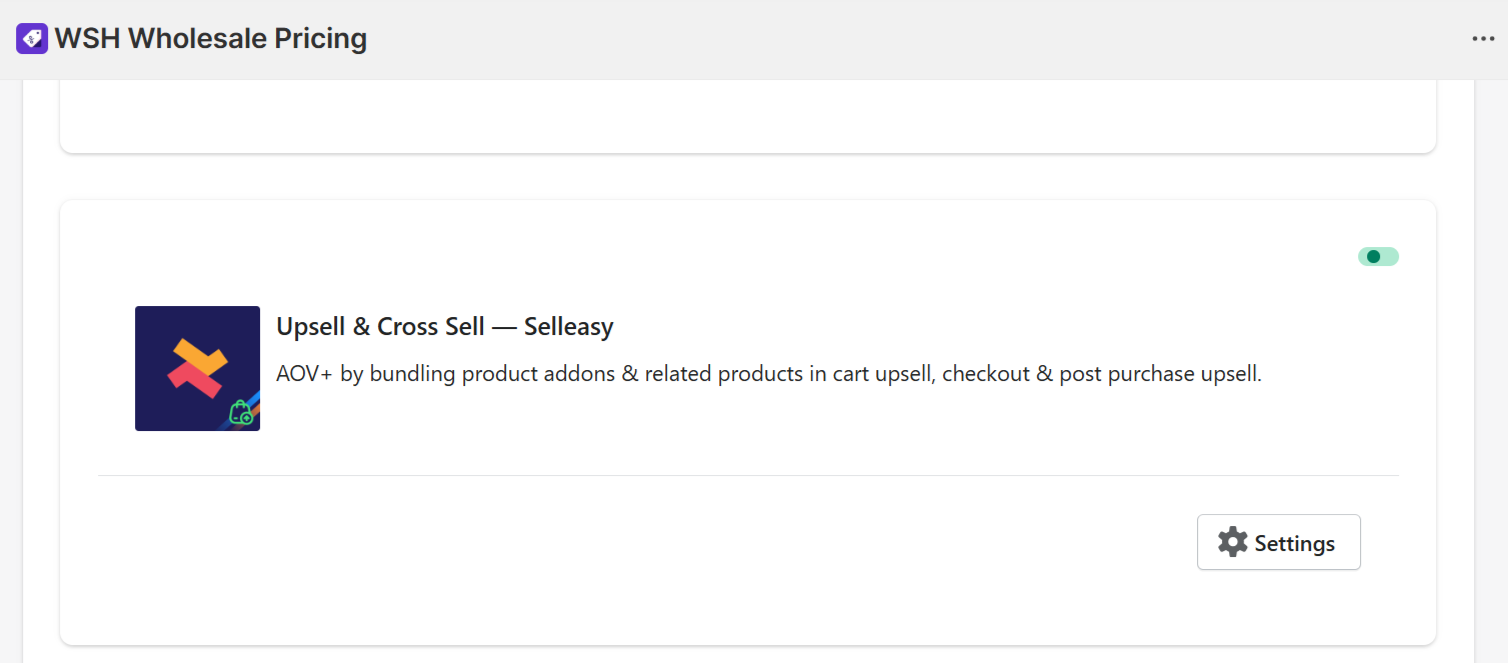
- In the integrations list, find Upsell & Cross Sell - Selleasy and click Enable.
Important note: If you have a new WPD install and you do not see the Integrations Setting, it may need to be activated from our side. Email themes@wholesalehelper.io or message us via in-app chat, and we’ll enable it.
Step 4: Test the integration (recommended checklist)
- Log in using a wholesale customer account (one that is already assigned the correct WPD discount group).
- Open a product page/cart page where Selleasy widgets appear (for example: add-ons / frequently bought together / cart upsell).
- Add the recommended product(s) to the cart via the Selleasy campaign.
- Confirm that the discount setup in the WPD/Selleasy app is correctly reflected on the storefront.
Discount Behavior in your Store for wholesale customers
Discounts will work seamlessly based on how they are configured within the Wholesale Pricing Discount B2B app for the Selleasy campaign.
If a discount is configured within the Selleasy bundle, the discount behaviour for wholesale customers will be as follows:
- If the Selleasy discount (e.g., 5%) is lower than the WPD discount (e.g., 10%), the WPD discount (10%) will be applied.
- If the Selleasy discount (e.g., 20%) is higher than the WPD discount (e.g., 10%), the Selleasy discount (20%) will be applied.
- If no discount is configured in WPD, but a Selleasy discount is available, the Selleasy discount will be applied.
- If no discount is set up in Selleasy, the WPD discount will be applied.
Reason:
Selleasy discounts are applied using Shopify’s automatic discount mechanism. Automatic discounts take precedence over discounts generated via the Draft Order API, which is why the higher-priority discount is applied in certain scenarios.
Limitations (what won’t work)
WPD will not work on the following Selleasy campaign placements:
- Checkout page: Checkout upsell
- Post-purchase: Post-purchase upsell, Post-purchase upsell/down-sell
- Thank you & order status: Thank you page, upsell, and Order status page upsell
These placements run inside checkout or after the order is placed, where wholesale pricing recalculation from WPD cannot be applied reliably.
Troubleshooting (quick fixes)
- Wholesale prices still look retail: Confirm the customer is logged in and tagged correctly for the WPD discount group.
- Works on product/cart widgets but not on checkout/post-purchase: This is expected due to the limitations above.
- You can’t find “Integrations Setting” in WPD: Contact themes@wholesalehelper.io or use in-app chat to get it enabled.
Need help? We’re here
If you already have both apps installed and want us to verify or assist with the setup, reach out to themes@wholesalehelper.io. We’ll help you get everything working smoothly.